


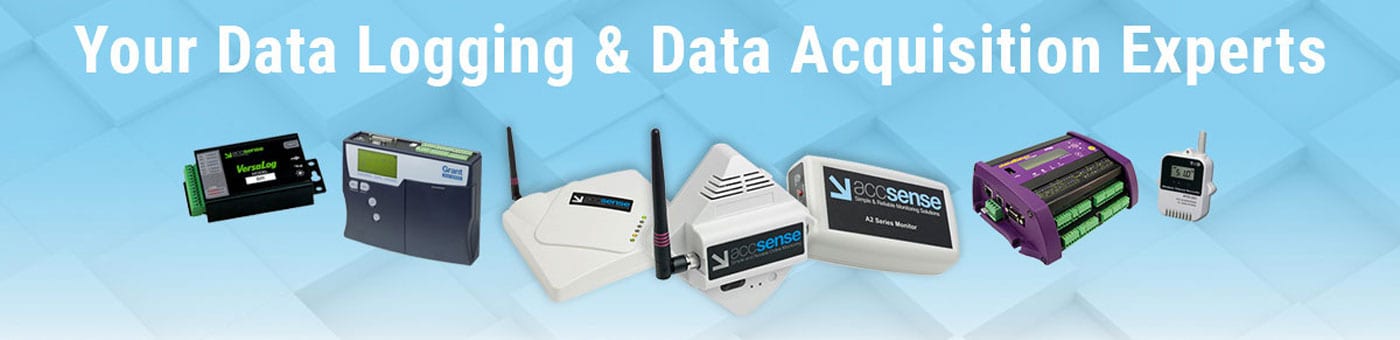
We are Data Logging, Data Acquisition, and Temperature Monitoring experts.
Read More...
Our goal is to provide 100% Customer Satisfaction by understanding your application and needs, recommending the right solution from our portfolio of hundreds of products and providing excellent after-sales service and support. We serve virtually every type of industry and application that needs stand-alone data logging, data acquisition or monitoring equipment. We are NOT a catalog house! Our experienced engineers can provide a turn-key, full customized solution that goes far beyond what is available from your typical equipment distributor.
Read Less...
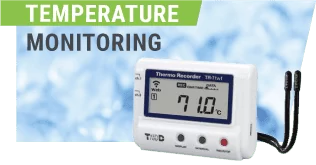
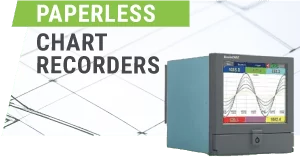
Why Choose CAS DataLoggers

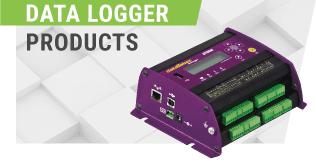
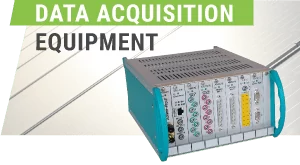
CAS DataLoggers is a distributor of data loggers, data acquisition equipment and customized data acquisition systems for virtually every industry and a wide range of applications.
CAS DataLoggers offers a complete selection of data logging and data acquisition equipment with over 250 different models from more than 18 manufacturers. Data loggers range from 1 to 900 channels and can record temperature, humidity, force/strain, pressure, flow, voltage, current, resistance, vibration and other digital signals, including serial (RS-232/RS-485), Modbus or SDI-12 devices.

Our Experience & Knowledge
We have over 100 man years’ experience in product application and engineering ready to share with you.

Our Systems Installed
With over thousands of systems installed, we understand how they work and how to solve your problems.

Our Inventory
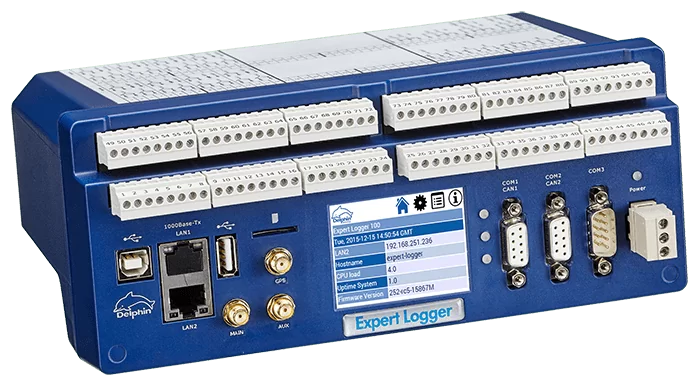
We have a large inventory of ready to ship data loggers, data acquisition equipment & paperless recorders for all applications.

Our Distribution
We can provide a solution whether it’s local or across the globe with our worldwide distribution.

Our Support
With free technical support and knowledgeable experts just a phone call away; we are always here to help.
Our Custom Solutions
If you’re looking for a more than simple off the shelf solution, we can put together a custom monitoring package that fits your requirements.
Our Customers
We provide solutions to everyone from Fortune 100 businesses to small mom and pop delis.














Immediate Alarm Notification

Accurate, Reliable Measurements
Flexible Communication Options
Cloud Storage to Access Data Anywhere
Any Device, Any Problem We Are Here to Help

Sophisticated Logic & Calculations
We offer a complete selection of datalogging solutions that feature the most popular communications interfaces, single or multiple sensor inputs and a range of remote communication, data storage, reporting and alerting capabilities.

Recent Resource Articles
Understanding Power Factor and Its Impact on Industrial Utility Costs
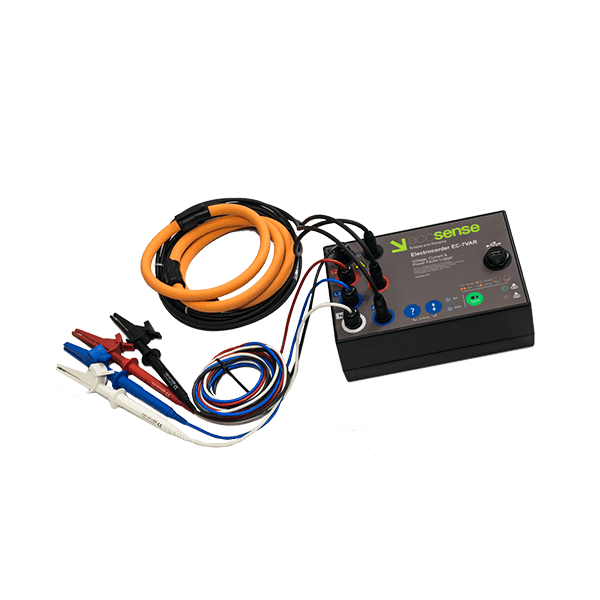
Use a power factor correction device to identify the power factor of your factory’s equipment to prevent shutdowns and save on power bills.
MSR145 Data Loggers Help Identify Cause of Moisture Damage

Moisture damage not only occurs in old buildings, but also very frequently in newer construction. Before repairing this damage...
View More ArticlesRecent News Articles
New MSR175Pro Shock Data Logger for Transport Monitoring
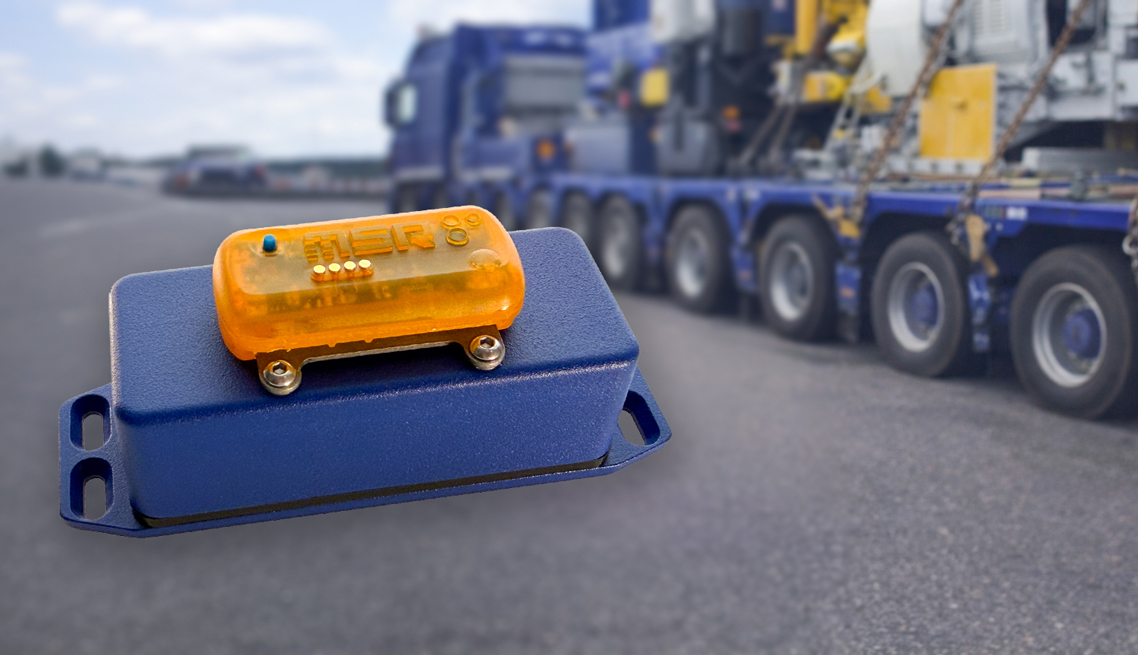
The MSR175Pro Shock Data Logger records high-speed impact events and environmental conditions during transformer and heavy-duty transport, providing reliable data for damage assessment and liability documentation.
Introducing The Accsense Pro System For Critical Temperature Monitoring
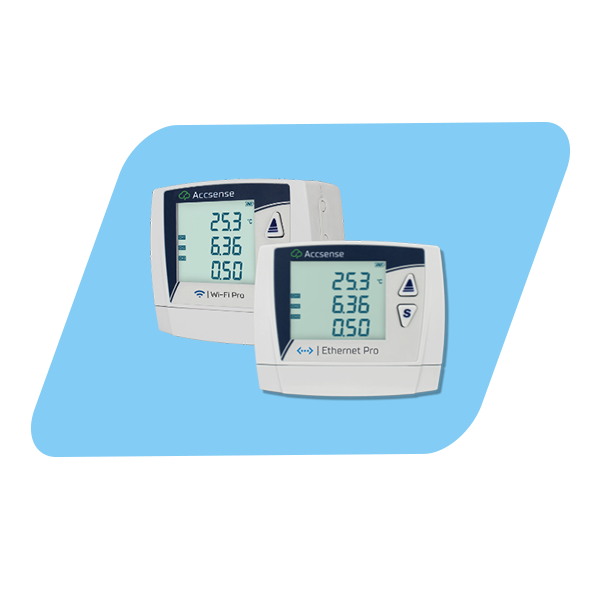
The new Accsense Pro system is designed to simplify temperature and environmental monitoring for stringent compliance needs.
Read More News